
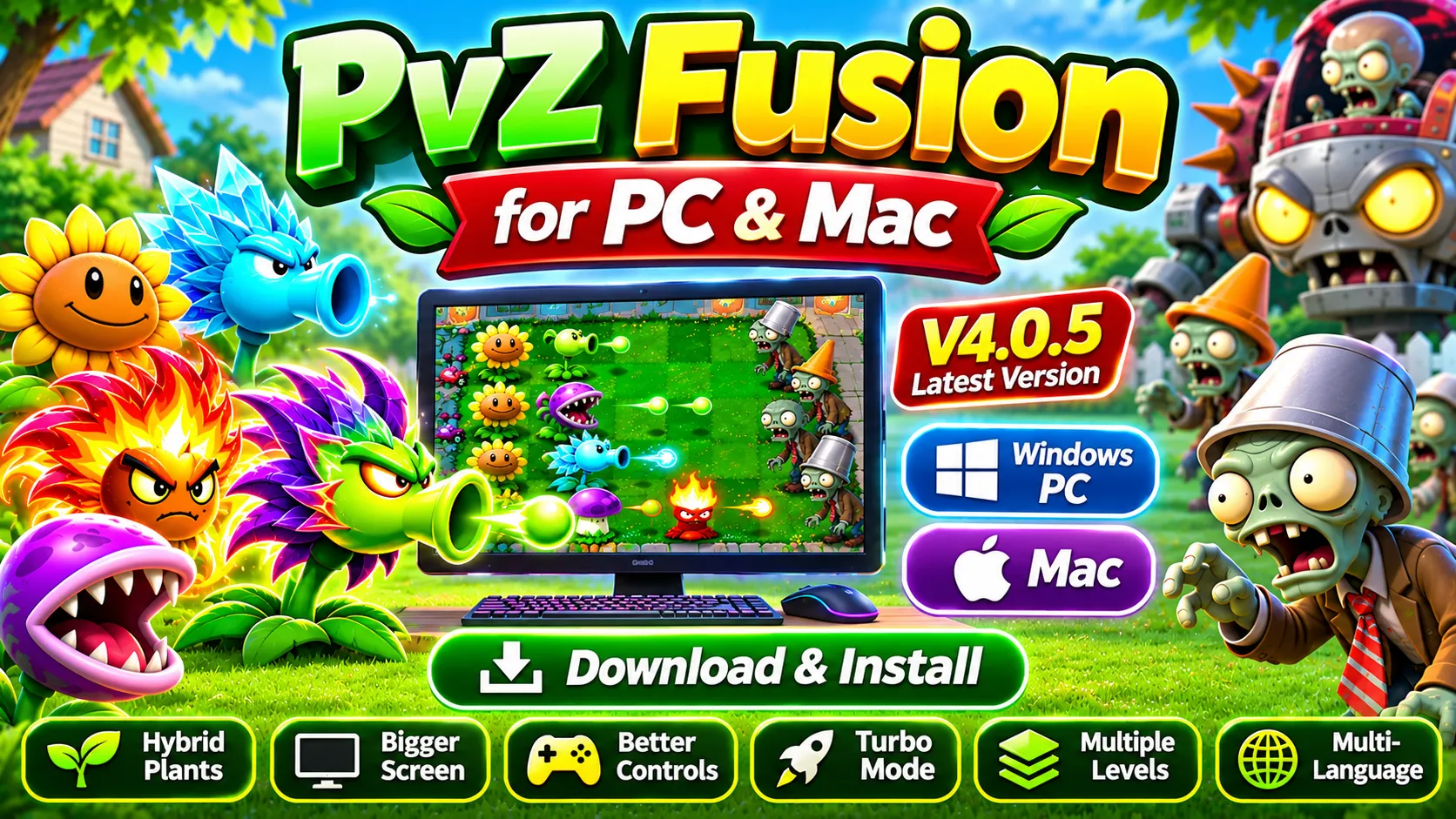
Download PvZ Fusion for PC (V4.0.5) – Install PvZ Fusion PC and Mac
Want to play PvZ Fusion on your PC but don’t know how to get started? We have got you! With the right game file and a few simple steps, you can set up the PVZ Fusion for PC and enjoy its exciting plant battles on a bigger screen.
We’ll walk you through the available ways to download and install PvZ Fusion PC or Mac. You’ll also learn about its key features, gameplay benefits, and pros & cons, so are you ready? Let’s get started from downloading the file.
PvZ Fusion for PC
Plants vs. Zombies is a legendary game with over 100 million downloads on the Google Play Store. Many players also love its modified version, PvZ Fusion, which brings new features and exciting challenges to the classic gameplay. Due to its growing popularity, the developers have also introduced a PVZ Fusion PC version, allowing players to enjoy the game on a bigger screen.
Now, you can play this strategic and brain-teasing game on Windows, iOS, and other operating systems. PvZ Fusion is available in different versions and languages, making it accessible to a wider audience. From its earlier releases to newer versions, the game has continued to evolve with hybrid plants, customized gameplay, puzzles, hidden treasures, and many other exciting features.
Sounds exciting, right? Whether you want to discover powerful plant combinations or take on challenging zombie battles, PvZ Fusion PC offers a fresh way to enjoy the classic game. So, what are you waiting for? Click the download button to get PvZ Fusion for PC and follow our step-by-step installation guide to get started.
System Requirements & Compatibility: Can Your PC Run PvZ Fusion?
Before downloading PvZ Fusion for PC, make sure your computer meets the minimum system requirements for smooth installation and gameplay. Check the specifications below to see if your PC has enough resources to run the game.
| Operating System | Windows 7 or above |
| Processor | Intel or AMD |
| RAM | 4 GB |
| Storage | At least 5GB of free disk space |
PvZ Fusion PC Installation Guide: Download and Setup
Device Ready? Whether you’re using a Windows PC or a Mac, choose your device below and follow the step-by-step instructions to download and install the game. Let’s get started.
Install PvZ Fusion on Windows Using the PC Version
By Using the PC Version, PvZ Fusion’s installation on your PC is simple when you follow the right steps. Follow the steps below to get started:
- Download the PvZ Fusion PC game file from the download link provided.
- Open the folder where you saved the downloaded file.
- Right-click the compressed file and select Extract All.
- Open the extracted folder and look for the game icon or .exe file.
- Double-click the file to launch the game and start playing.
Note: Some versions of PvZ Fusion for PC may require additional software to run properly on Windows. Depending on your game build, you might need to install the Microsoft Visual C++ Redistributable or the .NET 6.0 Runtime. If the game doesn’t launch, check its included instructions to identify the required components.
Play PvZ Fusion on PC with an Android Emulator
Another way to play PvZ Fusion on your PC is by using an Android emulator. This method is useful if you want to run the Android version of the game on your computer. Emulators such as BlueStacks, LDPlayer, and NoxPlayer can help you install compatible APK files on Windows.
Follow these simple steps to get started:
- Install an Android emulator: Download a reputable emulator, such as BlueStacks, LDPlayer, or NoxPlayer, from its official website and install it on your PC.
- Download the PvZ Fusion APK: Get the APK file from a source you trust and save it to your computer.
- Open the emulator: Launch the emulator and look for its APK installation option. If supported, you can also drag and drop the APK file into the emulator.
- Allow installation if needed: If the emulator asks for permission to install apps from unknown sources, follow its security settings to allow the installation.
- Install the game: Select the PvZ Fusion APK file and wait for the installation to finish.
- Launch PvZ Fusion: Once installed, open the game from the emulator’s home screen and start playing.
Note: The exact steps may vary depending on your emulator and Android version. Make sure the APK is compatible with the emulator, and only enable installation permissions for files you trust.
What Makes PvZ Fusion on PC Worth Playing?
Playing PvZ Fusion PC lets you enjoy the game on a bigger screen with keyboard and mouse controls for a more comfortable experience. Explore unique hybrid plants, discover powerful combinations, and defend your garden against challenging zombie attacks while enjoying the game’s exciting features. Let’s take a closer look at its key features on PC.
Big Screen More Fun
Playing PvZ Fusion on a PC gives you a wider view of the battlefield, making it easier to see plants, zombies, and important game details. The larger display can make battles more enjoyable and help you plan your strategies more comfortably than on a small smartphone screen.
Better Controlling
PvZ Fusion for PC can make it easier to manage plants and respond to incoming zombie waves using a mouse and keyboard. This can be especially helpful during Turbo Mode, when the action gets faster and you need to react quickly to protect your garden.
Performance & Experience
Playing PvZ Fusion on a PC can provide a more comfortable gaming experience, especially if your computer has a capable processor and enough memory. Performance depends on your hardware and the game version, but a suitable setup can help reduce lag and keep gameplay running smoothly.
Capacity
Running PvZ Fusion PC gives you more flexibility when managing files and storage. You can choose where to save the game and its related files, making it easier to manage available space compared with a smartphone that has limited storage.
Unlocked Levels after Adventure Mode
Some PvZ Fusion versions offer additional levels and gameplay options after Adventure Mode. You may also find puzzles and mini-games that provide extra challenges, rewards, coins, and opportunities to explore different plant combinations, depending on the version you play.
Hybrid Plants Collection
One of the most exciting features of PvZ Fusion for PC is its hybrid plant system, which lets you combine plants to create new varieties with different abilities. Choosing the right combinations is important because each plant can play a different role in defending your garden against zombie attacks.
Experiment with different plant combinations to find strategies that suit your playstyle. You can also explore PvZ Hybrid for more plant-fusion gameplay.
Speed Up Gameplay with Turbo Mode
Want to make zombie battles more intense? Turbo Mode speeds up the action, with some versions offering 2x or 3x gameplay speeds. Zombies attack faster, and you’ll need to react quickly and manage your plants carefully to keep your garden safe.
Unlimited Missions & Challenges
PvZ Fusion offers a variety of gameplay challenges, including adventure stages, puzzles, and mini-games. Different levels may feature additional stages and increasingly difficult zombie waves, keeping you busy as you develop new strategies and work toward defeating Dr. Zomboss.
Play in Multiple Languages
PvZ Fusion is available in different language versions, helping players from around the world enjoy the game in a language they understand. Depending on the specific build or translation, available options may include Indonesian, Portuguese, French, German, and Spanish. Check the version details to confirm which languages are supported.
Pros. and Cons. of PvZ Fusion for PC
| Pros | Cons |
| Access to more unlocked levels in PC versions compared with Android versions. | Some PC versions may require additional software, such as Visual C++ Redistributable or .NET Runtime. |
| Enjoy detailed visuals and gameplay on a larger screen. | Graphics issues, including screen tearing, may occur depending on your hardware and display settings. |
| Experience character sound effects and background music. | Players who are used to smartphone controls may need time to adjust to a keyboard and mouse. |
| Get smoother gameplay on a PC with suitable hardware. | |
| Use a keyboard and mouse for more precise control. |
FAQs
Final Thoughts
We’ve covered the available installation methods, key features, system requirements, and pros & cons to help you get started. So, Great news for PvZ fans, we’ve all done it. You can now enjoy PvZ Fusion for PC and experience its unique plant combinations, exciting zombie battles, and strategic gameplay on a bigger screen.
Now it’s your turn to set up the game and explore its exciting challenges. Follow the installation steps carefully, choose the method that works for your device, and share this guide with friends who love Plants vs. Zombies. Have fun defending your garden.